I have a client for whom we have been doing bookkeeping, but she no longer requires our services.
We have her QF profile on our Affinity account and I intend to detach her profile, but in doing so:
- Will this mean we will no longer be charged for her profile space?
- Will her accountant still have access (I granted him access previously)
- Can I export the data/do a back up somehow? - I see previous pages detailing how to do a backup have disappeared.
Thanks in advance
I can’t see how to take a back-up of the client in question. Is there not a way of exporting everything to Excel in one simple method? Can you not supply a simple step-by-step guide?
If they are graded as M, they can continue to use QuickFile for free until they hit 1,000 ledger entries. At this point, they will be prompted for a power user subscription, but there is a deferral period.
If they are a team member, then great - they can log in as normal and continue to access the account.
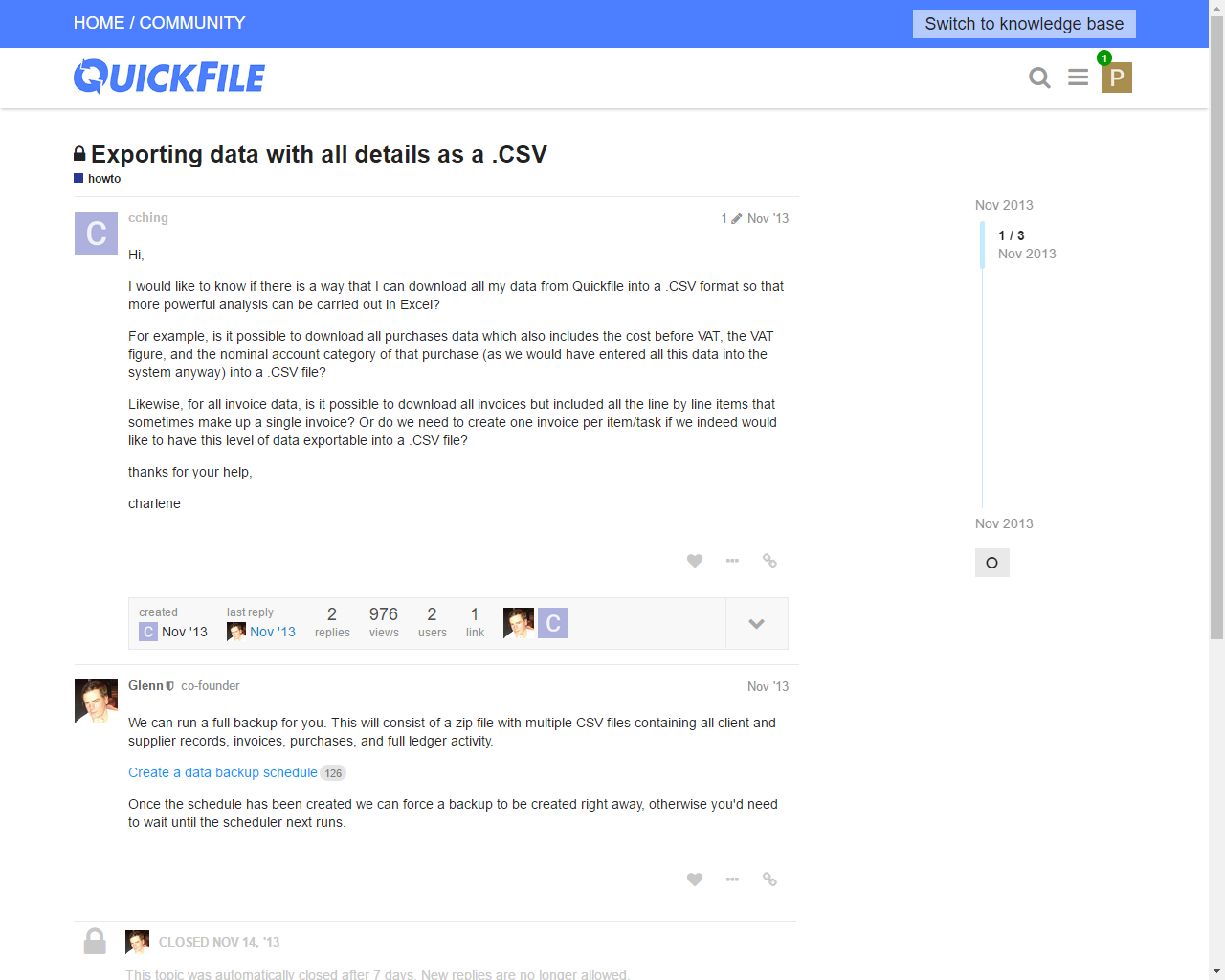
With the backup, I think because the post is from 2013, we have since moved our knowledgebase to our forums. You can view the guide, here. This will generate a zip file containing the account data in CSV format, which is compatible with Excel.
Hope that helps!
No it doesn’t help. This is unhelpful to the point of being vexatious. The guide does not tell me how I take a backup - it only tells me how to turn on automatic backups - and even that isn’t correct because it says: “From your dashboard, click to view your account settings. Within the account settings main page you will see an option ‘Weekly/Monthly Backups’. Click this link and you will see a simple form where you can input the start date and specify the frequency (e.g. weekly or monthly).” … . but there is no such link.
Here I am in Account Settings … where is Weekly/Monthly Backups??!
You need to access this from the account settings of the QuickFile account you wish to back up, rather than your Affinity account settings. If you log in as you normally would from your Affinity Dashboard:
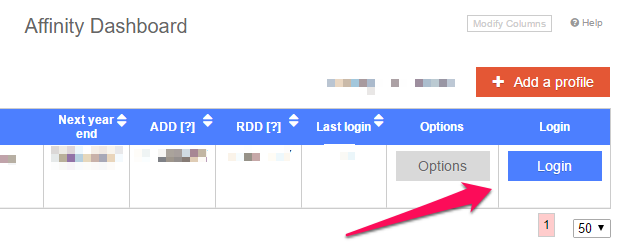
Then go to Account Settings >> All Settings >> Weekly/Monthly Backups
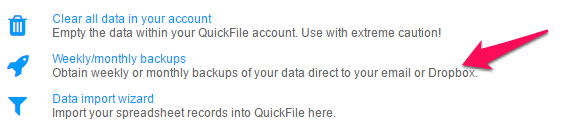
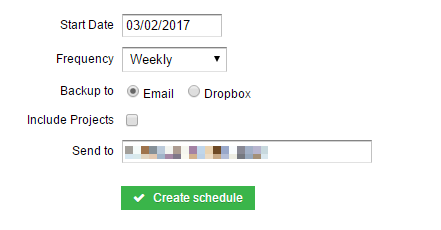
From here, you can set up a backup schedule:
Once the schedule has been set up, you will be presented with a “Run Now” option:
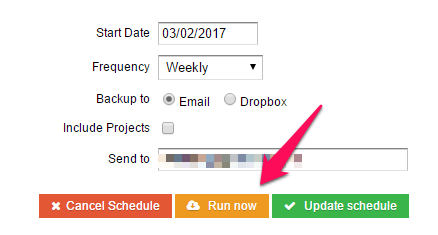
If you no longer require the scheduled back ups (although we recommend you keep this enabled), you can then cancel it from the same screen.